728x90
NL2SQL ( Natural Language to(2) SQL )
WSL2 ( Windows Subsystem for Linux2 )


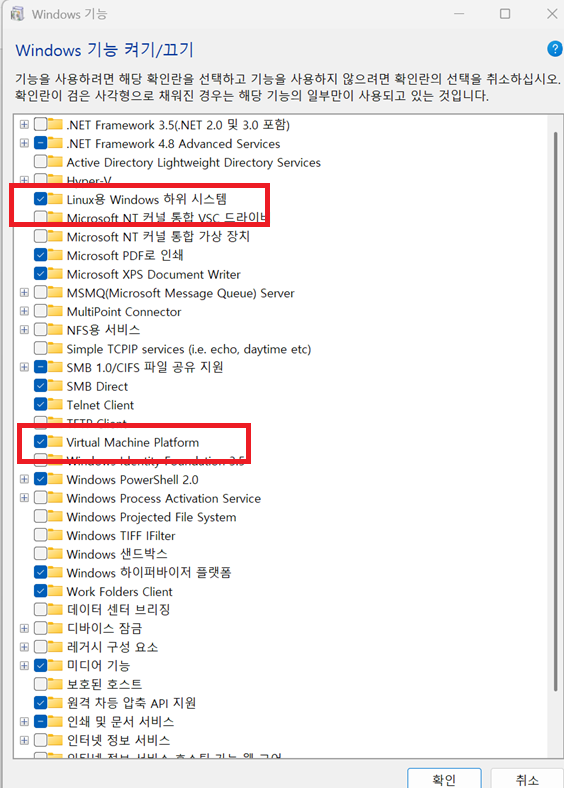
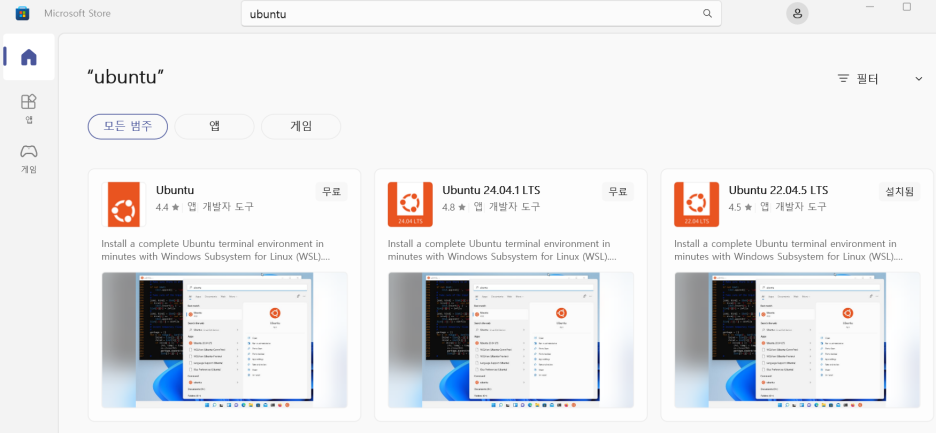
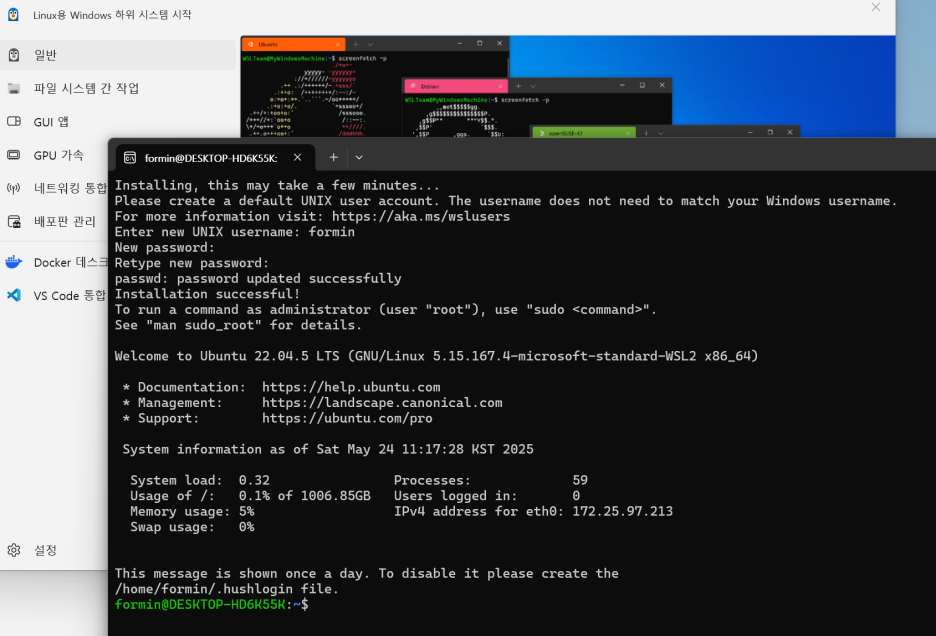
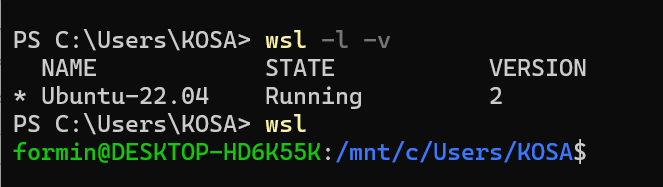
wsl -l -v
wsl -d Ubuntu-22.04
wsl

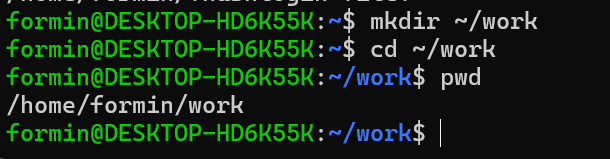
1) sudo apt-get update
2) sudo apt-get install python3 python3-pip -y


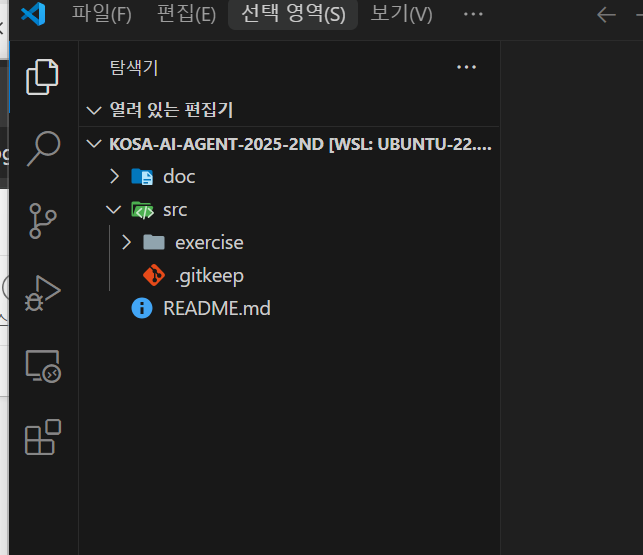


728x90
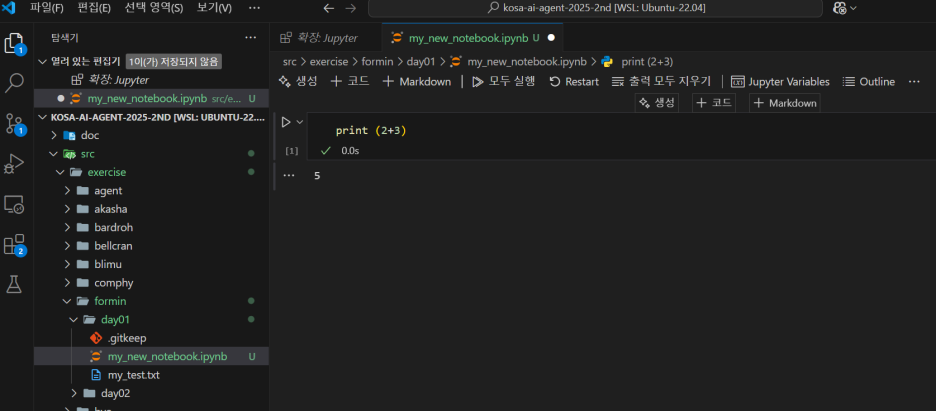
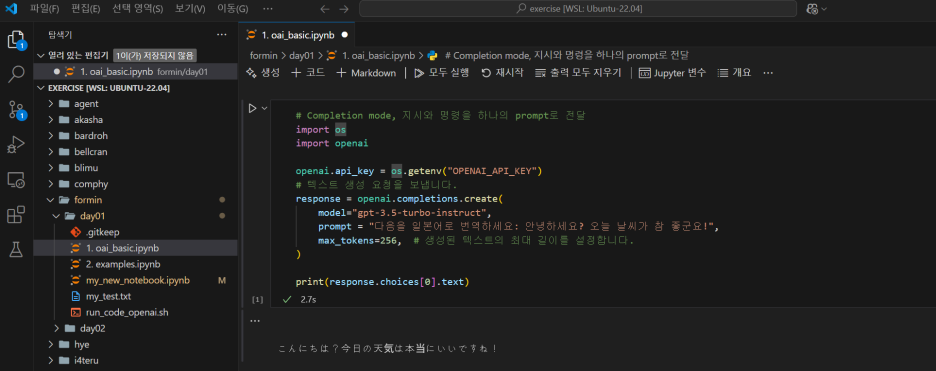

AI Agent
-> LLM 이 외부 API 를 활용하는 것
-> functions vs tools ( server side 에서 관리 )
local LLM model
curl -fsSL https://ollama.com/install.sh | sh
ollama ps
ollama pull aya-expanse
ollama list
ollama run aya-expane
# 2GB 스왑 파일 생성
sudo fallocate -l 2G /swapfile
sudo chmod 600 /swapfile
sudo mkswap /swapfile
sudo swapon /swapfile
# 적용 확인
free -h
nohup ollama run qwen3:0.6b > ollama_qwen3.log 2>&1 &

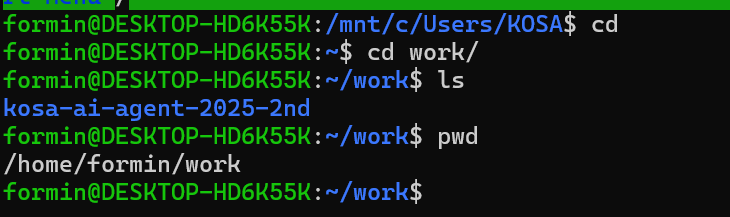


vi run_code_ollama.sh
./run
.wslconfig
[wsl2]
memory=4GB
swap=2GB # 스왑 공간 설정
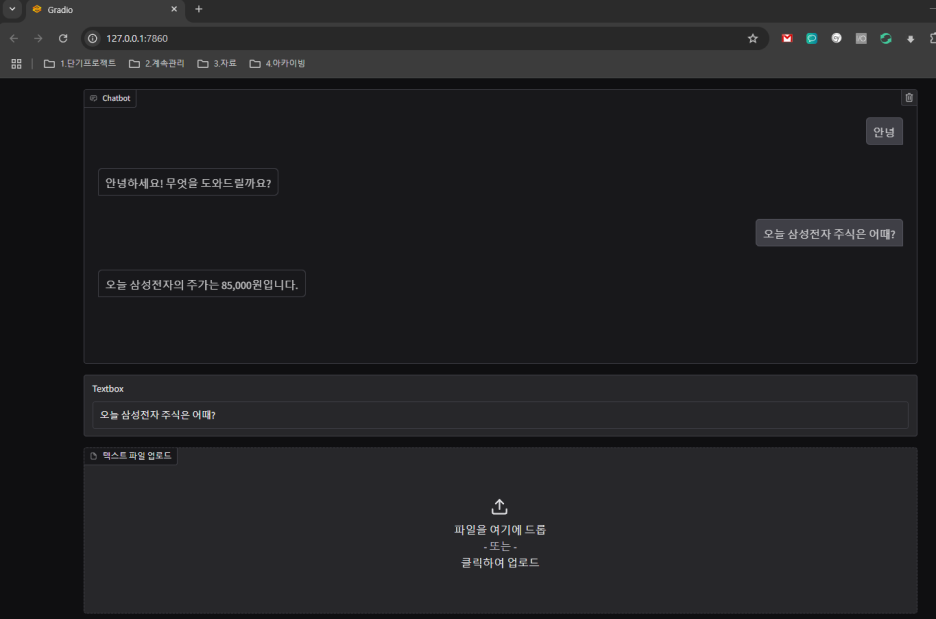
Gradio
pip install -U gradio
Streamlit
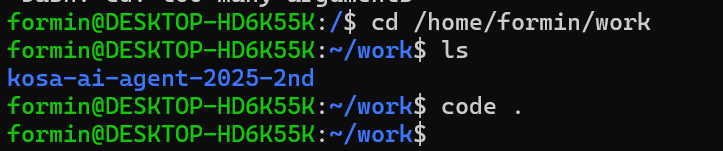
LangSmith
smith.langchain.com
728x90
'푸닥거리' 카테고리의 다른 글
| 소버린 AI(Sovereign AI)란 무엇인가 – 기술 자립을 향한 인공지능 전략 (0) | 2025.07.12 |
|---|---|
| Natural Language to SQL: 자연어로 데이터베이스 조회하기 (0) | 2025.06.03 |
| ChatGPT OpenAI API vs Model Context Protocol(MCP): 어떤 차이가 있을까? (0) | 2025.05.10 |
| LLM 코드 보안의 새로운 접근법: AutoSafeCoder 소개 (0) | 2025.05.01 |
| ChatGPT와 IDE를 더 스마트하게 연결하는 MCP란? (0) | 2025.04.12 |


댓글